
A recording-session checklist for your first video
QUICK REFERENCE
A recording checklist keeps the practical gaps visible before you finish filming. Start with the useful result your video must show, then check your location, device, sound and shot coverage. Use the equipment you have and test the actual setup rather than assuming an expensive device will fix every problem.
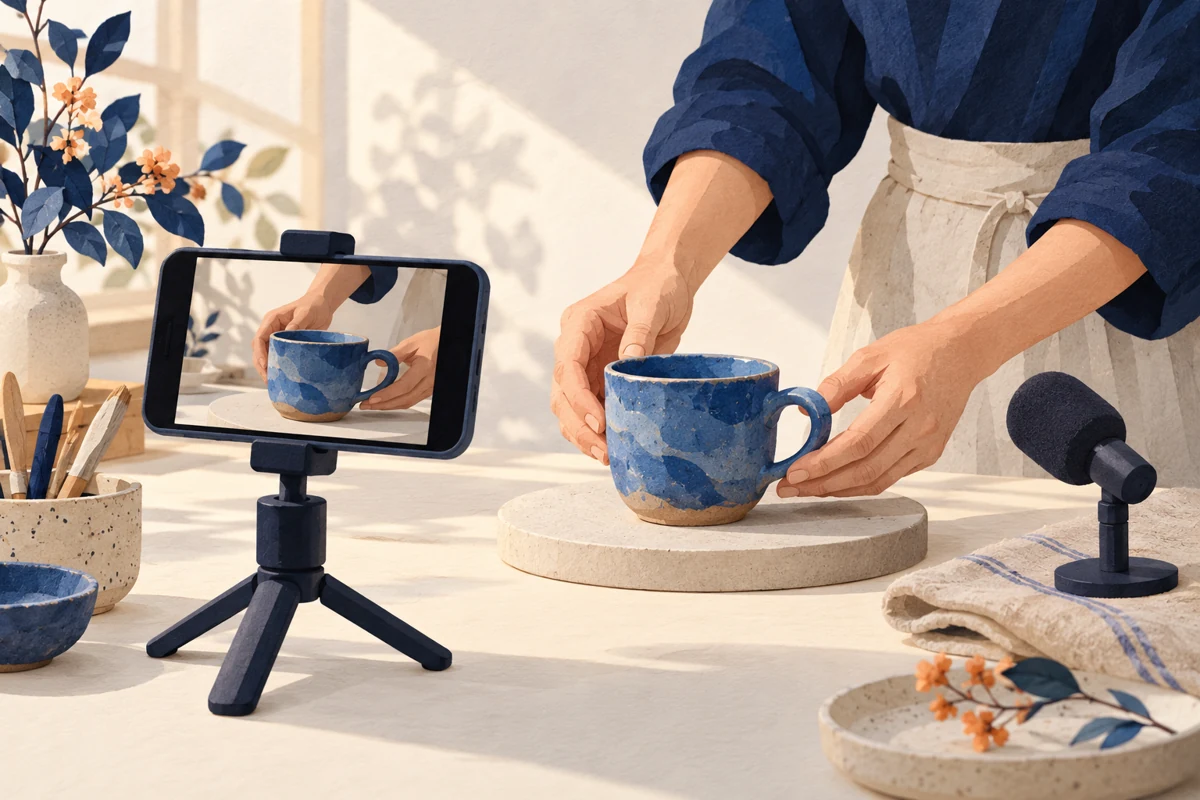
When to use this
Use this for a short tutorial, demonstration or spoken video. Adapt the list to your device and location; it is not a requirement to buy more equipment.
Know these three terms
Test clip
A short recording you play back before filming the whole piece.
Coverage
The shots and sound needed to explain the planned sequence.
Pickup
An additional shot or recording made to fill a specific gap.
A practical way to do it
Check the real setup
Check available storage and power, clean the lens and secure the device on a suitable support. Look for private information or distracting objects in the frame. Keep the setup clear of spills, heat and walkways.
Watch and listen to a test
Record a short part of the actual demonstration. Play it back with sound. Check that the subject and important details are visible and the spoken words can be understood. Make adjustments before recording every section.
Review the story before packing away
Check the opening, essential steps, close-ups and ending against your outline. Note unclear audio or missing details while the setup is still available. Keep a verified copy of your usable recordings before deleting or replacing anything.
At a glance
| Check | What to inspect | If it is missing |
|---|---|---|
| Speech | Can you understand the actual test recording? | Change the setup and make another test. |
| Demonstration | Can viewers see the action that explains the step? | Add a close-up or simplify the explanation. |
| Ending | Does the recorded result match the opening promise? | Record a truthful takeaway or revise the promise. |
A small example
Fictional example: a creator films a notebook-organising tutorial. The wide shot looks tidy but hides the page labels. A quick review catches the gap before packing away. The creator records one close-up showing the labels rather than repeating the whole video.
Copy this working template
Use the fields directly in your own notes. AI is optional; check any AI-prepared version against your facts.
Video promise:
Device / support / location:
Test clip checked: picture / speech / background:
Essential shots:
Detail shots:
Missing or unclear section:
Pickup needed:
Usable files checked and copied to:
Check before moving on
- The test was played back, rather than judged only on the recording screen.
- The essential demonstration is visible and understandable.
- Private information and unwanted material are outside the frame.
- Missing shots and usable file copies are accounted for before cleanup.
Common questions
Do I have to appear on camera?
No. Choose a format that can explain your subject, such as a hands-only demonstration, screen recording or voiceover. Check the actual recording for clarity and permission to show the material.
Should I change every camera setting?
Begin with a test using the setup you understand. Consult your device guidance for specific settings. Change a setting to address an observed issue, then check another recording rather than copying an unexplained preset.
Continue with your task
Browse the other quick references below.
