
 Making videos
The camera you already have
Your first video can start with the phone in your pocket.
See the starter planPhoto: Sirisvisual / Unsplash
THE CREATOR STUDIO / PRACTICAL GUIDE
Explore YouTube content ideas for beginners, compare production fit and choose a first video. Use the idea studio, worked examples and a choice worksheet.
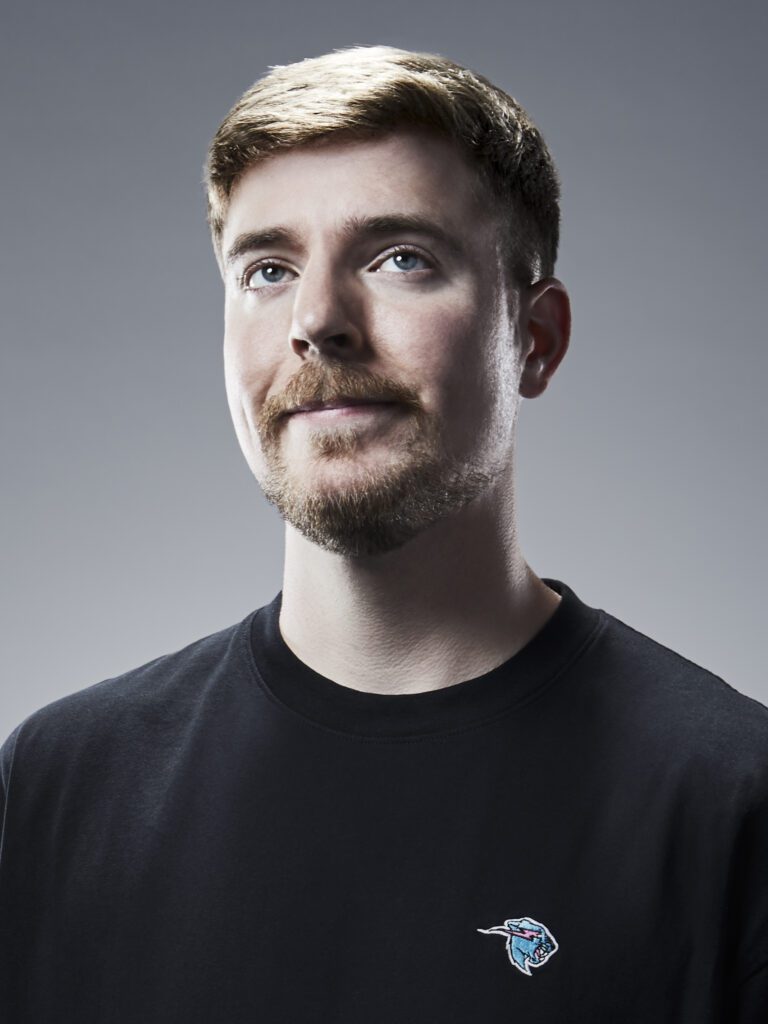

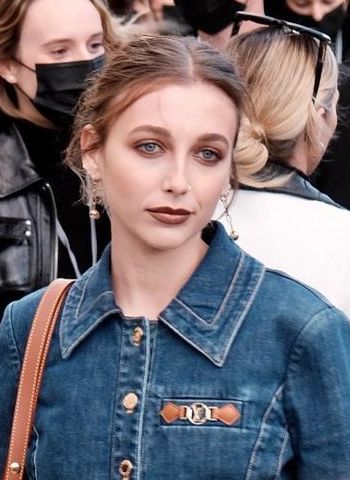
Different voices. Your own beginning.
Editorial references. No affiliation or endorsement.FIND YOUR DIRECTION
Choose an interest. See a first-video idea.
Keep it small enough to finish.


YOUR FIRST EXPERIMENT
Start with something you use, not something you need to buy. Show one useful feature and one honest limitation.
For: Someone learning their way around a phone.
Simple outline: Show the setting → demonstrate the result → explain when it helps.


YOUR FIRST EXPERIMENT
Teach one mechanic, explain one decision or show a small challenge. Check game capture and music permissions before publishing.
For: A player new to a game I know.
Simple outline: Show the mistake → replay the better choice → explain the difference.
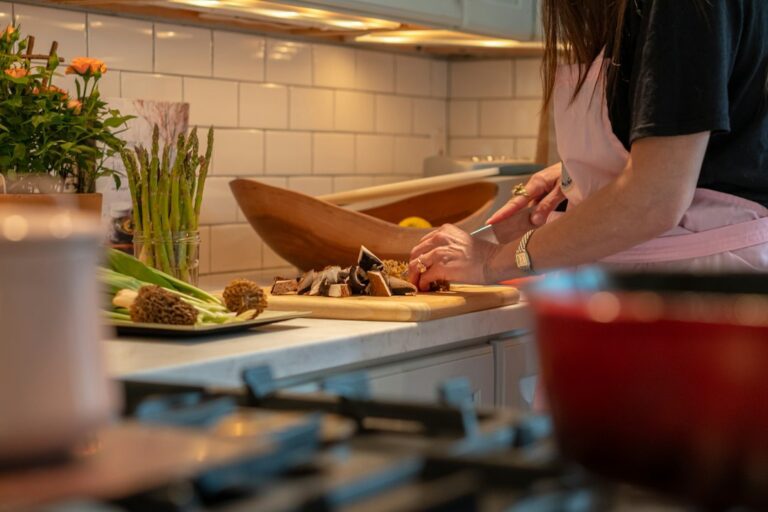

YOUR FIRST EXPERIMENT
A familiar recipe is enough. Make the quantities and key changes visible, and keep the filming setup safely away from heat.
For: Someone cooking with a small kitchen and little time.
Simple outline: Show the meal → demonstrate the key steps → give one substitution.


YOUR FIRST EXPERIMENT
You do not need a flight or a perfect lifestyle. Share a walk, a routine or something you have learned in your own neighbourhood.
For: Someone curious about a place I know.
Simple outline: Show the route → share three observations → give one practical takeaway.

YOUR FIRST EXPERIMENT
Choose a concept you can explain and check. Use a worked example, credit your sources and give the viewer a small practice task.
For: A beginner learning a topic I understand.
Simple outline: Explain the concept → work through an example → let the viewer try.


YOUR FIRST EXPERIMENT
Document a hobby, a routine or what you learned while practising. Keep experience separate from medical advice or guaranteed results.
For: Someone beginning the same hobby.
Simple outline: Show the starting point → show one practice session → reflect honestly.
These are starting examples, not claims about audience demand. Creator portraits are editorial references, with no affiliation or endorsement.
THE FIRST-VIDEO IDEA STUDIO
Find a small video you can make. Open an idea for a hook, three shots and a clear next step.
Making videosYour first video can start with the phone in your pocket.
See the starter planPhoto: Sirisvisual / Unsplash
 Gaming
This setting changed how the game felt for me.
See the starter planPhoto: Javier Martínez / Unsplash
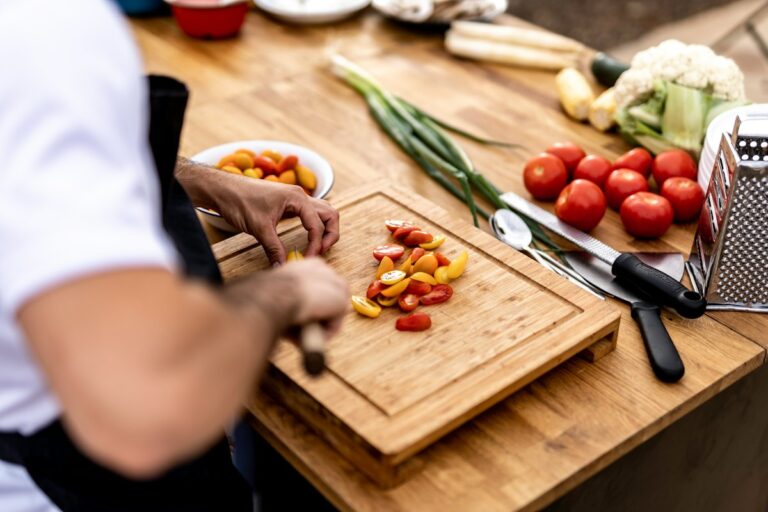 Food & cooking
This is the meal I make when I want something familiar.
See the starter planPhoto: Or Hakim / Unsplash
 Places & travel
These five details make this place feel like home.
See the starter planPhoto: Alex Azabache / Unsplash
 Everyday tech
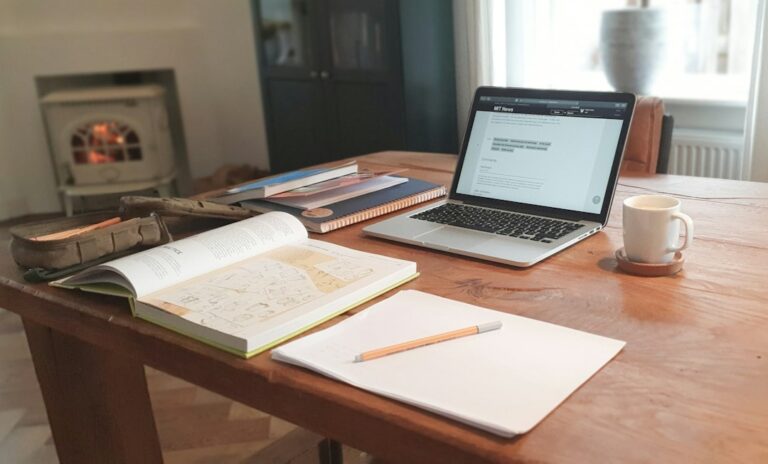
This is the desk I actually work at.
See the starter planPhoto: Unsplash / Unsplash
 Learning & books
This idea clicked for me when I used this example.
See the starter planPhoto: Kyle Gregory Devaras / Unsplash
 Movement & hobbies
This is what an ordinary session of my hobby looks like.
See the starter planPhoto: Vitaly Gariev / Unsplash
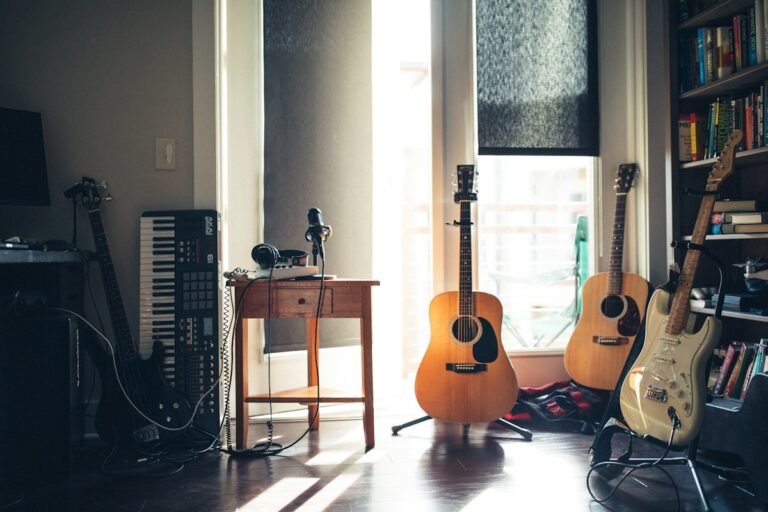 Music & sound
This is the instrument I chose and where I am starting.
See the starter planPhoto: Wes Hicks / Unsplash

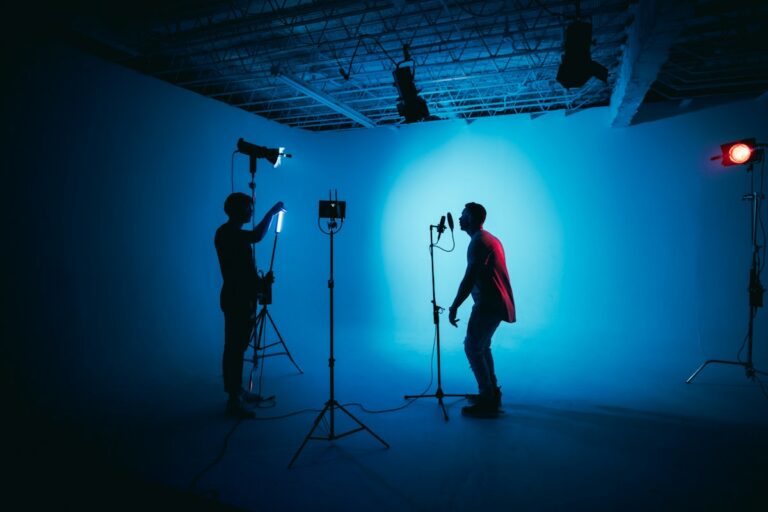

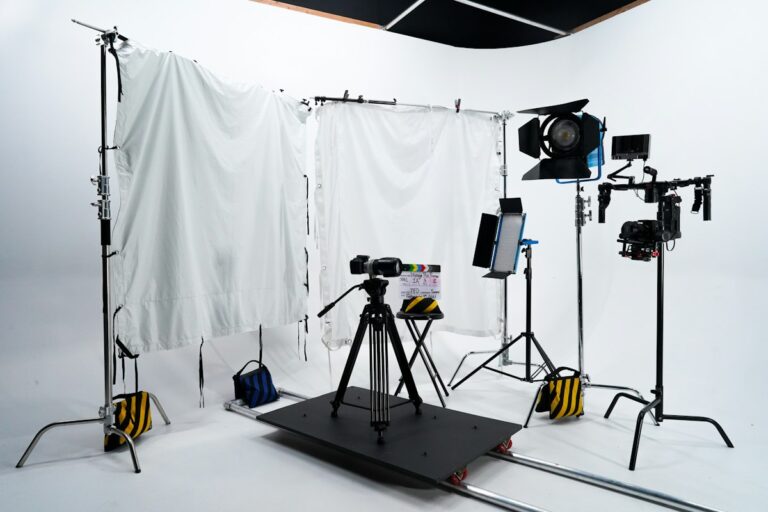

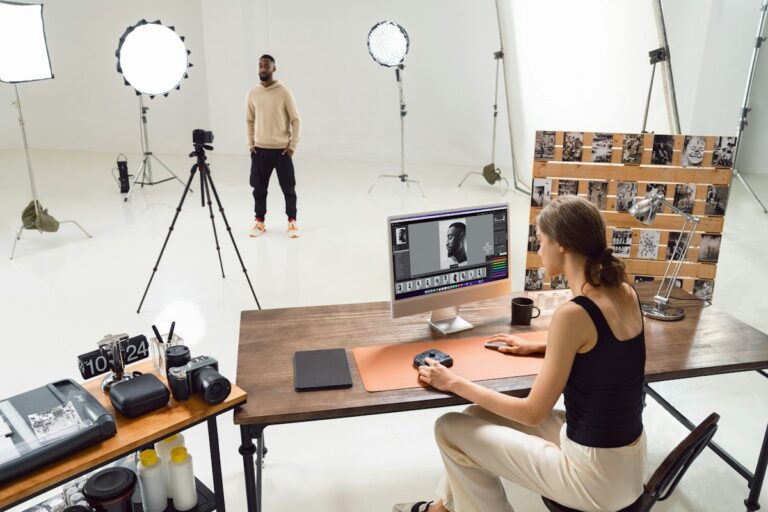



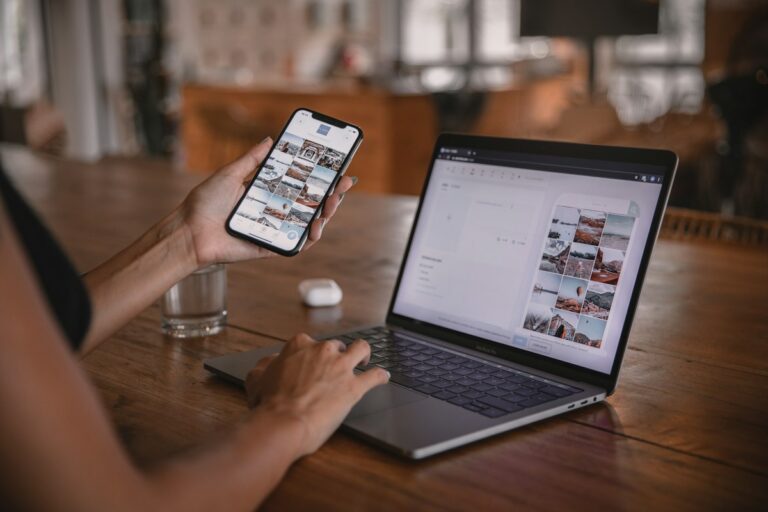

















100 ideas to make your own. Photos are illustrative.
Saved ideas stay in this browser. You can remove them at any time.
Found your idea? The free roadmap takes you from a short plan to your first upload.
Start the seven-step roadmapJump to six additional free prompts ↓
Follow seven practical steps with selected lessons, editable worksheets and a free workbook. Start where you need help and keep your progress in this browser.
Choose an idea where your interest, the viewer’s question and your ability to keep making videos overlap. Test a short list before committing to a channel identity.
AI is useful for generating possibilities, but a long list is not a decision. Give it enough context to suggest ideas you could actually sustain, then score the ideas yourself.
List three interests, three things you can explain and topics you would still enjoy after ten videos. Include restrictions such as privacy, travel, time and equipment.
For each interest, name a question someone might want answered. A gardening channel could explain how to keep one indoor plant alive rather than cover every gardening topic.
Request a table with an audience, a first video, five follow-up ideas and the main production difficulty. Tell the AI to avoid invented demand figures or guarantees.
Outline two videos for your best option. If the second one already feels impossible, simplify the format or choose another idea. You can change direction as you learn.
READY TO MAKE YOURS
Suggest five YouTube channel concepts around [topic]. My age range is [age range] and I can spend [hours per week] hours a week. For each concept give the intended viewer, a specific problem or curiosity, three starter videos and the smallest equipment setup. Compare enjoyment, repeatability and effort. Ask what I enjoy before choosing a direction. Avoid copying a creator's identity or promising popularity.
Replace the brackets. Leave out private details. Check the response.
ILLUSTRATIVE EXAMPLE
A VAGUE STARTGive me 100 viral niches.
A CLEARER BRIEFSuggest five repeatable channel ideas for a beginner who enjoys plants, has a small apartment and can film for two hours each week. Explain the viewer question each idea answers.
Constraints reduce attractive but impractical ideas.
Pick one you can finish
Saved a few ideas from the studio? Now choose a small first video instead of collecting another hundred possibilities. This worksheet compares usefulness and production fit. Its scores are your planning judgments; they do not predict views, earnings or whether a topic will become popular.
Give each item 0 if it is blocked or unclear, 1 if it needs a small adjustment, or 2 if it fits your current plan. Write a reason beside every number. If an essential condition is blocked—such as access to a location—fix that before trusting the total.
Imagine a beginner with an existing phone, a safe way to support it, access to a desk and kitchen, and one hour for filming. They know one useful phone setting, can make one familiar recipe and want to keep private details out of the frame. These assumptions explain the scores below; change them for your own situation.
| Idea | Viewer | Production | Repeat | Equipment | Total |
|---|---|---|---|---|---|
| One phone setting | 2 | 2 | 2 | 2 | 8 |
| A familiar quick recipe | 2 | 1 | 2 | 2 | 7 |
| A desk tour | 1 | 2 | 1 | 2 | 6 |
It answers a clear question, needs a small demonstration, offers a possible second setting to explain and uses the phone already available. The creator still needs to name the phone model and software version shown: a menu path on one device should not be presented as identical on every phone. The three shots could be the starting screen, the setting change and the visible result.
A familiar recipe gives the viewer something concrete to try and can lead to other dishes. Equipment is already available. Production gets a 1 because cooking, filming and cleanup compete for the same hour. Choose one dish you genuinely know, prepare the ingredients first and avoid claiming an exact time until you have checked it.
It is easy to film with the stated setup, but “look at my desk” needs a clearer viewer benefit. Focus on one useful choice, such as keeping cables off the workspace. Repeatability gets a 1 because a second episode still needs a distinct angle. A simple visual tour is a valid format; its value depends on the experience you actually deliver.
My resources: [equipment, location, time and limits]
Candidate idea: [specific first video]
Viewer question: [one thing it answers]

Score each from 0 to 2, with a reason:
Viewer usefulness: [score / reason]
Production fit: [score / reason]
Repeatability: [score / reason]
Equipment fit: [score / reason]
Total: [0-8; planning judgment, not predicted popularity]

Smallest version I can finish: [one demonstration or explanation]
Three possible shots: [opening / demonstration / result]
Second episode I could make: [distinct follow-up]
Main obstacle: [what could block filming]
What I will simplify: [one adjustment]
Chosen next step: [write a short script / research one missing detail]
If two ideas tie, choose the one with fewer dependencies or the one you are more interested in making. Outline a second episode before committing to a whole channel identity. If that feels forced, make the first video as a small experiment and review what you enjoyed afterward.
You can revisit saved ideas in the studio above. Keep the first script narrow: one viewer question, a demonstration you can film and a useful ending. A doable first attempt will teach you more about your process than a glamorous plan waiting for equipment.
Write the spoken lines and visual cues, then continue the first-video roadmap.
Popularity alone does not tell you whether you can produce useful videos. Choose a specific topic you can handle well and test your format.
Study how they frame the problem, then identify your own examples, experience or audience. Do not copy their scripts or branding.
GO DEEPER / 1 FREE TEMPLATES
Use a template for the step you are working on. Add the required inputs, then check the result against your source material.
Browse the task-guide directory ↗
Keep in mind: Do not invent testimonials, platform analytics or expertise. Treat AI’s predictions about clicks and views as guesses. Keep the work recognisably yours.
COPY. PERSONALISE. CHECK.
Analyse these anonymised audience comments: [comments]. Group them into questions, confusion, praise and requests. Quote short supporting examples only from the supplied comments. Suggest three follow-up content ideas, each tied to a recurring need, and identify comments that are too few to generalise from. Do not invent sentiment scores, demographics or analytics. Keep criticism separate from personal attacks.
Example input
Five viewers ask where to find the printable checklist; two misunderstand step three.
Illustrative scenario, not a generated or verified AI result.
Then ask
Draft a clearer explanation of the most repeated point without sounding defensive.
Before using the answer
Check whether the proposed topic reflects several comments or just one loud opinion.
These sources inform the workflow and checks; the templates above are original LifestyleGlide prompts.
YOUR SITUATION. YOUR DETAILS.
Choose a task from this guide, add your details and check the answer before using it.
Browse the prompts below.
INPUTS [Audience question]; [your knowledge]; [available examples] PROMPT Turn [audience question] into three video angles I can support with [your knowledge] and [available examples]. For each angle, name the viewer’s starting problem, the useful takeaway and a concrete demonstration. Recommend the smallest angle for a first video. Do not invent audience research, popularity or guaranteed demand.
Try this follow-up
Remove any angle that needs evidence or access I do not have. Explain which part can be demonstrated today.
Check before using
Check that the audience question is real and the takeaway matches what you can show.
INPUTS [Three ideas]; [equipment]; [location]; [time] PROMPT Compare [three ideas] for a first video using [equipment], [location] and [time]. Judge filming difficulty, clarity of the outcome and the material I already have. Show the simplest version of each idea. Choose a practical starting option without predicting views, revenue or algorithmic preference.
Try this follow-up
Cut the chosen idea to one location and one clear result. List anything I still need to prepare.
Check before using
Your actual equipment and access should determine the plan.
INPUTS [Mistake you made]; [what changed]; [audience level] PROMPT Help me outline a video about [mistake you made] for [audience level]. Separate what happened, what I learned and what may not apply to everyone. Use [what changed] as the example. Propose a title and a short demonstration. Do not add credentials or universal advice I cannot support.
Try this follow-up
Rewrite the lesson as one observation, one demonstration and one question for the viewer.
Check before using
Describe your actual experience and avoid claiming that one fix works for every situation.
INPUTS [Routine]; [small obstacle]; [visible result] PROMPT Generate five video angles from [routine], [small obstacle] and [visible result]. Each angle must have a clear beginning, a change and an ending I can film. Prefer specific observations over motivational slogans. Mark staged ideas as staged and avoid turning ordinary events into invented drama.
Try this follow-up
Pick the angle with the clearest visible change and outline it in five shots.
Check before using
Keep the story faithful to what actually happened.
INPUTS [Broad topic]; [viewer]; [video length]; [available material] PROMPT Split [broad topic] into four narrow video questions for [viewer]. Use [available material] and [video length] to define a realistic scope. For each question, list what belongs in the video and what should be saved for another episode. Do not make the title promise a complete guide unless the material supports one.
Try this follow-up
Write a one-sentence promise for the chosen question and remove unrelated sections.
Check before using
The promise should be deliverable within the actual video.
INPUTS [Two approaches]; [observations]; [untested points] PROMPT Plan a comparison video about [two approaches] using [observations]. Separate observed differences, preferences and [untested points]. Suggest a fair demonstration I could perform. Explain what the video cannot conclude. Do not invent measurements, product specifications or a winner before a test.
Try this follow-up
Turn the untested points into a short checklist for my own demonstration.
Check before using
Verify current specifications separately if they affect the comparison.
INPUTS [Topic]; [beginner questions]; [target outcome] PROMPT Arrange [beginner questions] about [topic] into a viewer question ladder ending at [target outcome]. Show which question must be answered before the next makes sense. Suggest one visual or everyday example for each stage. Keep unfamiliar terms defined and identify questions outside this episode’s scope.
Try this follow-up
Choose the first three questions for a short introductory video.
Check before using
Check the order with someone at the intended starting level.
INPUTS [Interest]; [available time]; [reusable setup] PROMPT Design a six-episode series around [interest] using [available time] and [reusable setup]. Give each episode a different practical question and an observable result. Explain what repeats and what changes. Avoid daily publishing promises or growth claims; prioritise a schedule and scope I can realistically maintain.
Try this follow-up
Make the first episode smaller and specify the reusable assets it creates.
Check before using
Do not commit to a schedule before trying one complete episode.
INPUTS [Idea list]; [sources already checked]; [constraints] PROMPT Review [idea list] against [sources already checked] and [constraints]. Put each idea into ready to outline, needs a source check or needs access I do not have. State the specific missing evidence or material. Do not fabricate sources or treat a model’s memory as a verified fact.
Try this follow-up
Make a research checklist for one promising idea, with questions rather than invented answers.
Check before using
Open and inspect the original sources before using their claims.
INPUTS [Topics you can cover]; [audience]; [formats you can make] PROMPT Write three channel-description options based on [topics you can cover], [audience] and [formats you can make]. State the kind of help or experience a viewer can expect. Keep the description specific and modest. Do not invent upload frequency, expertise, achievements or an existing community.
Try this follow-up
Choose the clearest option and remove any promise unsupported by the inputs.
Check before using
Check that your planned videos actually match the description.
These are original, editable starting points. A prompt does not complete an action outside the conversation. Use approved inputs and review facts, source material and commitments before using a result.
Choose one prompt and add your own details.
Suggest five YouTube channel concepts around [topic]. My age range is [age range] and I can spend [hours per week] hours a week. For each concept give the intended viewer, a specific problem or curiosity, three starter videos and the smallest equipment setup. Compare enjoyment, repeatability and effort. Ask what I enjoy before choosing a direction. Avoid copying a creator's identity or promising popularity.
