Skip to content
Menu
Explore prompts
Search LifestyleGlide

FIND YOUR NEXT STEP

What can we help you find?

Try meeting notes, video scripts or email writing.

Meeting notes Video scripts Email writing
Browse guides, prompts and creator resources.Esc to close · Ctrl / ⌘ K to open

THE CREATOR STUDIO / PRACTICAL GUIDE

Image Generation Prompts

Original prompts for image generation, with the required inputs and links to related task guides.

By LifestyleGlide · Published · No signup needed

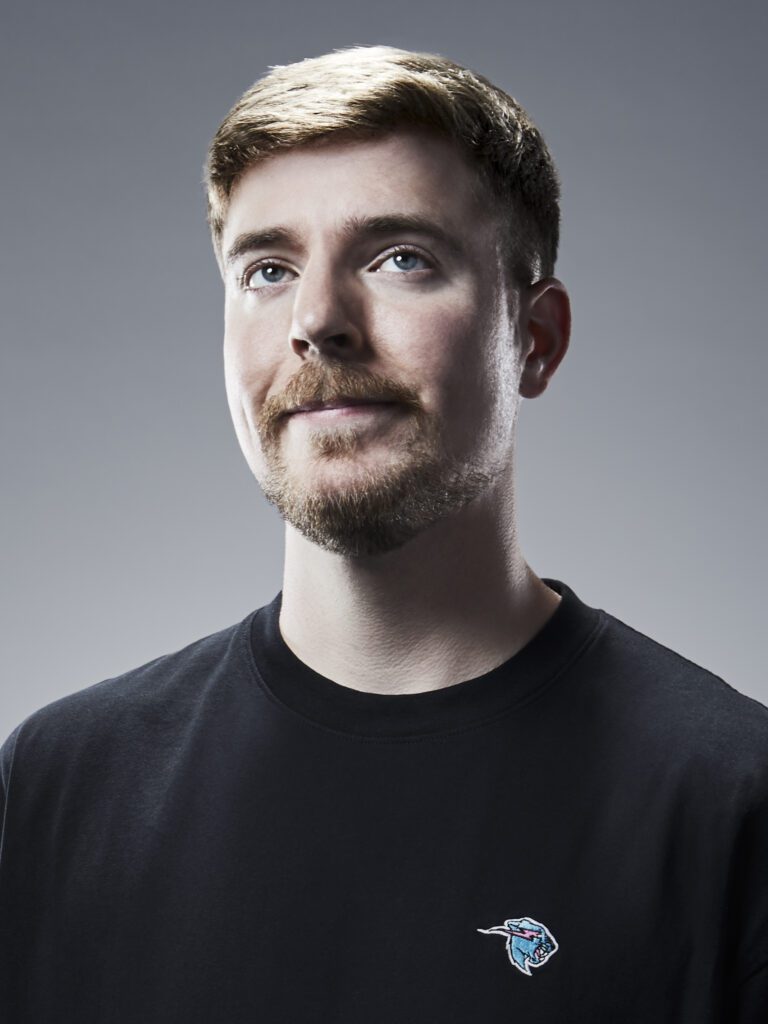
MrBeast, photographed in 2023
MrBeastEntertainment
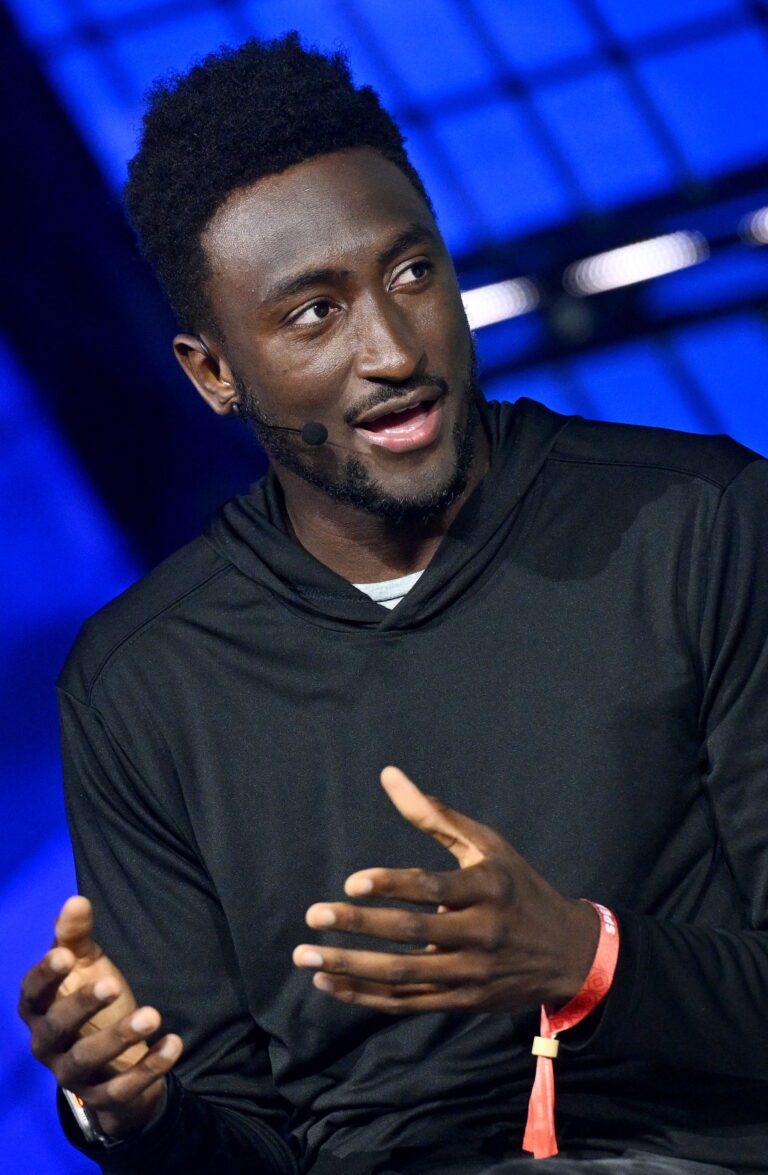
Marques Brownlee speaking at Collision 2023
Marques BrownleeTech & storytelling
Emma Chamberlain at Paris Fashion Week in 2021
Emma ChamberlainEveryday stories
YOUR NEXT
CHAPTER ↗

Different voices. Your own beginning.

Editorial references. No affiliation or endorsement.
Photo credits

Use these image generation prompts when you have a specific task and source material to work from. Start with the deliverable you need: for example, editorial portrait or product hero photograph. Each prompt includes the inputs to gather and instructions you can adapt.

Choose, prepare, then check

  1. Open the prompt that matches your task. Read the full instructions before choosing it.
  2. Replace the bracketed inputs with your own approved material. Keep private details out of tools unless your rules and the tool's settings permit them.
  3. Check names, numbers, source claims and commitments against the original material. A polished result still needs your review.
  4. Ask a precise follow-up about the part that needs work, while keeping confirmed facts unchanged.

For a fuller workflow, creators is available in the connected guides. You can also return to creators to choose another task.

PROFESSIONAL PROMPT HANDBOOK

Choose a task template.

Choose a task, replace the bracketed inputs and copy the complete instructions. Use the connected guide when you need the full workflow. Review facts, calculations and commitments before using an answer.

10 prompts. Search and pagination need JavaScript; all prompts are readable below without it.

191 / Image generationEditorial portraitOpen prompt +
INPUTS
[subject description]; [setting]; [mood]; [wardrobe]; [aspect ratio]; [color palette]

PROMPT
Generate an editorial portrait of the described subject in the specified setting. Use a natural pose, believable facial proportions, and wardrobe appropriate to the brief. Place the subject against a background that adds context without competing for attention. Specify soft directional light, realistic skin texture, and a restrained color grade aligned with the mood. Compose for the requested aspect ratio with deliberate negative space. Keep anatomy and clothing details coherent. Exclude unintended text, watermarks, and distracting objects. Preserve the subject's provided distinctive features.

192 / Image generationProduct hero photographOpen prompt +
INPUTS
[product]; [materials]; [background]; [brand mood]; [aspect ratio]; [key detail]

PROMPT
Create a premium product hero image with the product as the clear focal point. Show the specified materials accurately through controlled highlights, subtle texture, and believable reflections. Use a clean background and an intentional camera angle that reveals the key detail. Add a grounded shadow and consistent studio lighting. Leave usable space for later layout if requested. Preserve the product's proportions and supplied design features. Avoid invented logos, extra components, distorted labels, and decorative elements that obscure the product.

193 / Image generationArchitectural visualizationOpen prompt +
INPUTS
[building or room]; [design style]; [materials]; [time of day]; [viewpoint]

PROMPT
Generate an architectural visualization with coherent spatial relationships and believable scale. Show the specified materials through realistic texture and lighting, keeping furniture and openings proportionate. Use the requested viewpoint and time of day to establish depth and atmosphere. Maintain consistent perspective, structural logic, and shadows. Include a few context details that support the space's intended use without clutter. Treat the image as a visual concept rather than construction documentation. Exclude impossible geometry, unintended signage, and objects that conflict with the design brief.

194 / Image generationChildren's book illustrationOpen prompt +
INPUTS
[scene]; [characters]; [age group]; [illustration medium]; [palette]; [page shape]

PROMPT
Illustrate the scene in a warm style appropriate to the intended age group. Make the characters' actions and emotions easy to read, with consistent proportions and distinctive features. Use the specified medium and palette with clear foreground, middle ground, and background separation. Keep the focal action simple and leave space for text placement where requested. Include gentle environmental details that reward attention without distracting from the story. Avoid embedded text and frightening imagery outside the brief. Maintain continuity with any supplied character references.

195 / Image generationTransparent mascot assetOpen prompt +
INPUTS
[character]; [pose]; [expression]; [style]; [palette]; [intended use]

PROMPT
Create a standalone mascot asset with a transparent background. Show the character in the specified pose and expression, using a clean silhouette that remains readable at small sizes. Preserve distinctive features and use the requested palette consistently. Keep limbs, face, and accessories coherent and fully visible unless deliberate cropping is requested. Use crisp edges appropriate to the style, with no surrounding scene or stray objects. Avoid embedded text and watermarks. Deliver the character as a usable cutout with transparent space around the silhouette.

196 / Image generationCinematic environmentOpen prompt +
INPUTS
[location]; [era]; [weather]; [mood]; [focal object]; [aspect ratio]

PROMPT
Generate a cinematic environment that conveys the specified location, era, weather, and mood. Build depth through foreground elements, a clear focal object, and an atmospheric background. Use lighting and color relationships that support the scene's emotional tone. Keep architecture, materials, and props consistent with the era and supplied references. Compose for the requested aspect ratio with a deliberate viewing path. Avoid arbitrary visual clutter, impossible perspective, and unintended text. Include enough detail to feel inhabited while preserving a strong, readable composition.

197 / Image generationFood photographyOpen prompt +
INPUTS
[dish]; [ingredients]; [plating]; [setting]; [lighting]; [aspect ratio]

PROMPT
Create appetizing food photography of the specified dish. Represent the ingredients and preparation accurately, using realistic textures, proportions, and plating. Choose an angle that makes the food easy to identify and use lighting that reveals freshness without unnatural gloss. Keep props limited to items appropriate to the setting. Maintain believable shadows and depth of field, with the dish as the focal point. Avoid extra utensils, impossible ingredients, distorted plates, and embedded text. Leave composition space for a caption if requested.

198 / Image generationFashion editorial conceptOpen prompt +
INPUTS
[garment]; [model description]; [location]; [mood]; [palette]; [aspect ratio]

PROMPT
Generate a fashion editorial image centered on the garment's silhouette, material, and design details. Use a pose that shows the clothing clearly while expressing the requested mood. Keep the model's anatomy, fabric behavior, and accessories coherent. Use the specified location and palette to reinforce the creative direction rather than overwhelm the garment. Apply consistent editorial lighting and deliberate composition. Preserve supplied garment details and avoid invented branding, excessive retouching, or distracting objects. Provide usable negative space if the image is intended for a layout.

199 / Image generationIsometric concept illustrationOpen prompt +
INPUTS
[system or place]; [key elements]; [style]; [palette]; [background]

PROMPT
Create an isometric illustration of the described system or place. Use a consistent viewing angle, scale, and visual language across all elements. Arrange the key components so their relationships are easy to understand, prioritizing the supplied hierarchy. Keep detail selective and use the palette to distinguish functions without excessive decoration. Use clean edges and coherent lighting appropriate to the style. Exclude embedded labels unless explicitly requested. Treat relationships as conceptual and avoid inventing factual connections or precise measurements absent from the brief.

200 / Image generationConsistent image seriesOpen prompt +
INPUTS
[subject]; [reference description]; [style]; [palette]; [scene list]; [formats]

PROMPT
Create a series of images with consistent subject identity and art direction. Establish the subject's defining features, proportions, materials, palette, and lighting before varying the scenes. Adapt composition to each requested format while preserving the same visual language. Use the scene list to change action or setting without introducing arbitrary costume or identity changes. Keep anatomy, perspective, and recurring objects coherent. Avoid text and watermarks. State any limitations in maintaining exact continuity if the tool cannot use references or generate the series together.

Browse all prompt topics

How to use this collection

Copy the inputs and instructions together. Supply the documents or examples a task requires. Most prompts are for text assistants; image and video tasks require a compatible generation tool. Check facts, calculations, source links and commitments before using the output. This handbook is an original collection informed by public sources, reviewed 5 October 2026; it has not been benchmarked across models.

THE LSG NOTE

A good idea
changes your day.

Useful prompts and practical tips, straight to your inbox.

No spam. Just the good stuff.

Email me practical AI updates. Unsubscribe anytime. Privacy

Mila, LifestyleGlide’s blue-and-white gliding mascot, waving hello