Skip to content
Menu
Explore prompts
Search LifestyleGlide

FIND YOUR NEXT STEP

What can we help you find?

Try meeting notes, video scripts or email writing.

Meeting notes Video scripts Email writing
Browse guides, prompts and creator resources.Esc to close · Ctrl / ⌘ K to open

THE CREATOR STUDIO / PRACTICAL GUIDE

Video And Audio Production Prompts

Original prompts for video and audio production, with the required inputs and links to related task guides.

By LifestyleGlide · Published · No signup needed

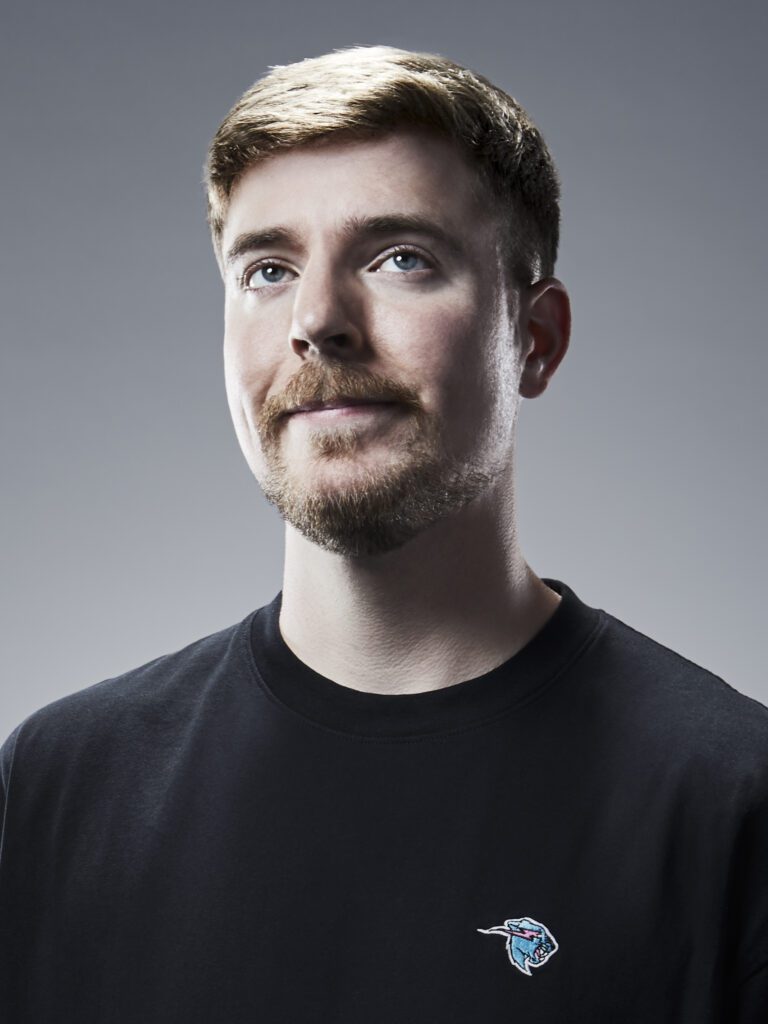
MrBeast, photographed in 2023
MrBeastEntertainment
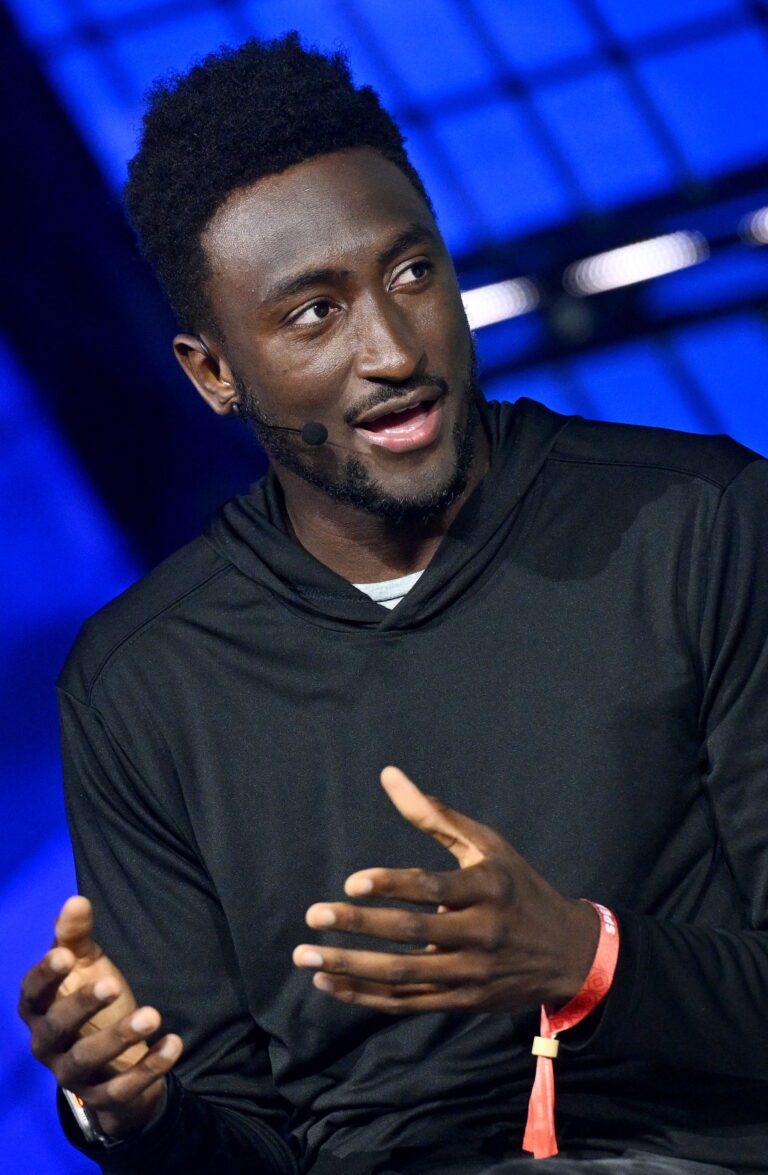
Marques Brownlee speaking at Collision 2023
Marques BrownleeTech & storytelling
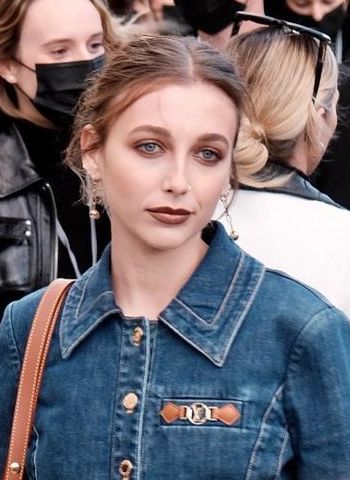
Emma Chamberlain at Paris Fashion Week in 2021
Emma ChamberlainEveryday stories
YOUR NEXT
CHAPTER ↗

Different voices. Your own beginning.

Editorial references. No affiliation or endorsement.
Photo credits

Use these video and audio production prompts when you have a specific task and source material to work from. Start with the deliverable you need: for example, explainer video script or video generation shot. Each prompt includes the inputs to gather and instructions you can adapt.

Choose, prepare, then check

  1. Open the prompt that matches your task. Read the full instructions before choosing it.
  2. Replace the bracketed inputs with your own approved material. Keep private details out of tools unless your rules and the tool's settings permit them.
  3. Check names, numbers, source claims and commitments against the original material. A polished result still needs your review.
  4. Ask a precise follow-up about the part that needs work, while keeping confirmed facts unchanged.

For a fuller workflow, video scripts is available in the connected guides. You can also return to creators to choose another task.

PROFESSIONAL PROMPT HANDBOOK

Choose a task template.

Choose a task, replace the bracketed inputs and copy the complete instructions. Use the connected guide when you need the full workflow. Review facts, calculations and commitments before using an answer.

10 prompts. Search and pagination need JavaScript; all prompts are readable below without it.

201 / Video and audio productionExplainer video scriptOpen prompt +
INPUTS
[topic]; [audience]; [duration]; [verified facts]; [tone]; [call to action]

PROMPT
Write an explainer video script that communicates one clear message within the duration. Structure an opening problem, concise explanation, concrete example, and useful takeaway. Provide a timed table with narration, visuals, on-screen text, and sound notes. Keep narration natural when spoken and avoid placing essential information only in audio. Use supplied facts and mark gaps. End with a read-through checklist and identify any scene that requires footage, permissions, or technical verification before production.

202 / Video and audio productionVideo generation shotOpen prompt +
INPUTS
[subject]; [action]; [environment]; [duration]; [camera movement]; [style]

PROMPT
Generate a short video shot with the described subject performing one coherent action in the specified environment. Establish the starting composition, action progression, and ending frame. Use deliberate camera movement, consistent lighting, believable motion, and stable subject appearance. Keep the scene simple enough for the duration and preserve important reference details. Avoid unintended scene cuts, morphing objects, illegible text, and contradictory movement. Include sound only if supported and requested. Treat the result as a visual concept with the specified style and framing.

203 / Video and audio productionStoryboard outlineOpen prompt +
INPUTS
[script]; [duration]; [format]; [production resources]; [visual references]

PROMPT
Turn the script into a practical storyboard outline. Divide it into shots that serve the narrative rather than merely illustrate every sentence. For each shot, specify framing, action, camera movement, duration, transition, narration, and essential visual information. Identify shots that can use existing assets and those requiring new production. Keep continuity and screen direction coherent. End with a resource list and a review checklist for pacing, comprehension, and accessibility. Flag any visual claim that needs factual verification.

204 / Video and audio productionPodcast episode planOpen prompt +
INPUTS
[topic]; [audience]; [host style]; [guest information]; [duration]; [sources]

PROMPT
Create a podcast episode plan with a clear listener promise. Structure the opening, context, main segments, examples, transitions, and closing takeaway. If there is a guest, include questions grounded in verified background and follow-ups that encourage specific stories or explanations. Provide timing, research needs, and concise host notes. Avoid invented quotes, achievements, or sensational claims. End with a fact-check checklist and a short episode description that accurately reflects the planned conversation rather than overpromising its conclusions.

205 / Video and audio productionVideo interview questionsOpen prompt +
INPUTS
[interviewee]; [topic]; [audience]; [verified background]; [desired story]

PROMPT
Prepare an interview that produces clear, usable video answers. Sequence questions from context to specific events, decisions, consequences, and lessons. Provide neutral follow-ups and prompts that encourage complete responses without scripting the guest's views. Identify likely visual opportunities and information requiring confirmation. Include an opening, closing, and consent reminder for publication. End with an editor's story outline and a checklist that keeps the finished video faithful to what the interviewee actually said.

206 / Video and audio productionVoiceover adaptationOpen prompt +
INPUTS
[written text]; [audience]; [duration]; [delivery style]; [pronunciation notes]

PROMPT
Adapt the text into a natural voiceover script while preserving meaning and factual qualifications. Shorten sentences, explain necessary terms, and replace structures that are difficult to understand aloud. Indicate pauses and emphasis sparingly. Fit the requested duration using a clearly stated reading-speed assumption. Provide a script and a note on important changes. End with a read-aloud check, words needing pronunciation confirmation, and any detail that should be shown visually because it is cumbersome to communicate in speech.

207 / Video and audio productionSound design briefOpen prompt +
INPUTS
[scene]; [mood]; [duration]; [setting]; [dialogue]; [delivery format]

PROMPT
Create a sound design brief that supports the scene's action and mood. Describe ambience, key effects, transitions, silence, and how sound changes over time. Distinguish sounds occurring within the scene from expressive effects added for the audience. Keep dialogue intelligible and avoid unnecessary layers. Provide a timed cue sheet and production notes using descriptive language rather than unsupported technical settings. End with an accessibility and playback checklist, including a plan for captions or descriptions of essential nonverbal sound.

208 / Video and audio productionTraining video planOpen prompt +
INPUTS
[procedure]; [learner]; [steps]; [common errors]; [duration]; [resources]

PROMPT
Design a training video that enables the viewer to perform the procedure. Define the learning objective and show prerequisites before the demonstration. Break the process into visible steps, explain important decisions, and highlight common mistakes and recovery actions. Provide a script with screen or camera instructions, on-screen labels, and checkpoints. Keep safety or operational requirements grounded in supplied guidance. End with a learner checklist and a short practical assessment that tests performance rather than whether the viewer watched the video.

209 / Video and audio productionVideo edit reviewOpen prompt +
INPUTS
[rough-cut notes or transcript]; [goal]; [audience]; [duration]; [constraints]

PROMPT
Review the edit for clarity, pacing, continuity, and fidelity to the intended message. Identify sections that repeat information, obscure the argument, or introduce unsupported implications. Suggest precise cuts, reorderings, or additions tied to the supplied material. Preserve meaningful context around interview excerpts. Provide a prioritized edit list and a revised sequence. Do not assume access to footage that is not described. End with a final-review checklist for captions, names, facts, audio intelligibility, and the promised audience takeaway.

210 / Video and audio productionProduction briefOpen prompt +
INPUTS
[video concept]; [audience]; [deliverables]; [budget]; [deadline]; [resources]

PROMPT
Write a production brief that aligns the creative and delivery requirements. Include objective, message, audience, format, duration, visual direction, script status, locations, participants, assets, schedule, responsibilities, and approval stages. Identify permissions and practical dependencies without inventing requirements. Distinguish essential production elements from optional enhancements. Provide a shot or asset checklist and a milestone table. End with the decisions needed before production starts and a delivery checklist covering formats, captions, factual review, and final approval ownership.

Browse all prompt topics

How to use this collection

Copy the inputs and instructions together. Supply the documents or examples a task requires. Most prompts are for text assistants; image and video tasks require a compatible generation tool. Check facts, calculations, source links and commitments before using the output. This handbook is an original collection informed by public sources, reviewed 5 October 2026; it has not been benchmarked across models.

THE LSG NOTE

A good idea
changes your day.

Useful prompts and practical tips, straight to your inbox.

No spam. Just the good stuff.

Email me practical AI updates. Unsubscribe anytime. Privacy

Mila, LifestyleGlide’s blue-and-white gliding mascot, waving hello